AI Real Estate Photo Editing: The Complete Guide for Photographers in 2026

Stageless Team
Real estate photography has always been a volume business. A busy photographer might shoot eight to twelve properties per week, each requiring between forty and eighty edited images delivered within twenty-four hours. For years, the workflow was the same: shoot, import, sort, edit in Lightroom or Photoshop, export, deliver. The editing alone — correcting exposure, balancing window light, removing objects, fixing lens distortion — consumed as many hours as the shooting itself.
AI tools have not replaced this workflow. They have compressed it. Tasks that once took twenty minutes per image now take two. Corrections that required manual masking in Photoshop now happen automatically. And capabilities that previously required either physical staging or expensive 3D rendering — furnishing empty rooms, visualising renovations — are now available at a cost that makes them viable for every listing, not just premium ones. See how much time it saves versus Photoshop on a typical listing.
This guide covers the AI tools that matter for real estate photographers in 2026, how they fit into an existing workflow, and what they actually deliver versus what they claim to deliver.
What AI can and cannot do in real estate photo editing
The honest answer is that AI does some things exceptionally well and others not at all.
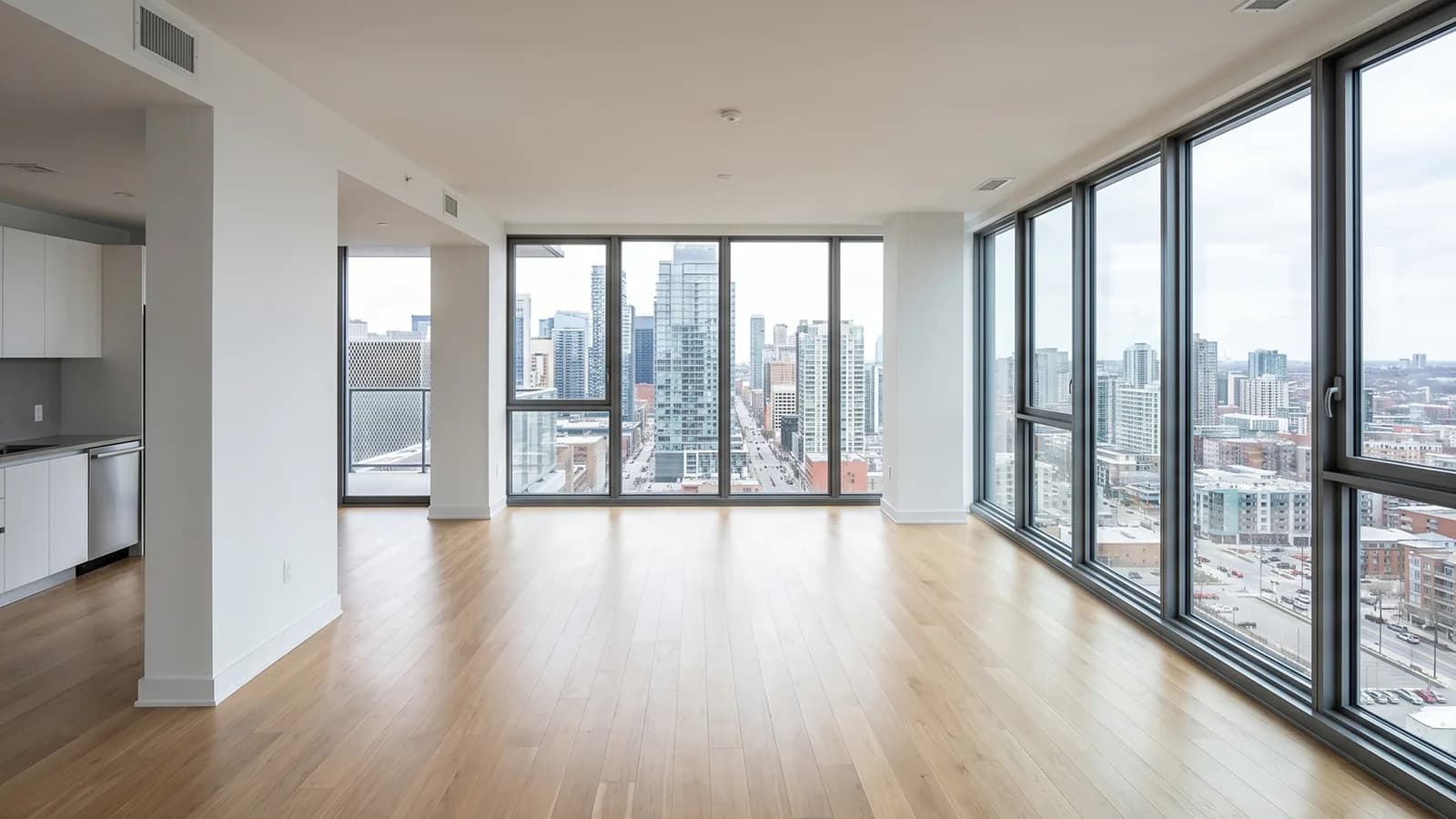
It is exceptional at exposure correction and tonal balancing, particularly in the difficult scenario of a room with a bright window — the classic real estate photography challenge where the interior is dark and the exterior is blown out. AI tools trained on large datasets of real estate photography have learned to handle this scenario naturally, lifting shadows and recovering highlights in a way that looks genuinely photographic rather than HDR-processed.
It is very good at removing objects from photographs. Standard declutter tasks — rubbish bins outside, cars on driveways, minor objects on countertops or floors — are handled automatically with fill quality that is usually good enough for a listing photograph. The remaining failure cases are objects against complex backgrounds or objects that occlude architectural features the AI needs to reconstruct.
It is good at virtual staging of empty rooms when the input photograph is of adequate quality and the room has a relatively standard geometry. The AI struggles with rooms that have unusual proportions, very strong directional light, or complex reflective surfaces — polished marble floors, mirrored walls — where the lighting environment is difficult to model accurately.
It is poor at anything requiring understanding of fine architectural detail: restoring ornate plasterwork, handling complex period features, or producing results where the original photography quality is significantly below par. AI tools improve adequate photography; they cannot rescue bad photography.
The core AI tools in a real estate photography workflow
Automatic image enhancement
The most universally applicable AI tool in real estate photography is automatic image enhancement. Every major editing platform now offers some version of this — Lightroom's AI masking and auto-tone, Skylum Luminar Neo's real-estate-specific enhancement presets, Stageless AI's Auto Image Enhancement — and the quality differences between them matter.
What a good AI enhancement tool does is not simply apply a generic brightness and contrast adjustment. It identifies the specific conditions of the photograph — the ratio of artificial to natural light, the presence and position of windows, the reflectivity of different surfaces — and applies targeted corrections to each zone independently. The result is an image where the interior reads at a natural exposure while the exterior visible through windows is not blown out, where artificial light sources are neutralised to a consistent colour temperature, and where shadow detail in darker corners is lifted without looking artificially brightened.
For a real estate photographer shooting in standard residential conditions, automatic enhancement can reduce editing time by 60 to 70% on the correction phase of the workflow. The images still benefit from a final manual review pass, but the starting point is dramatically better than the raw file.
Object removal and decluttering
Object removal is where the gap between AI tools is most visible. Consumer-grade AI removal tools work acceptably on small, isolated objects against simple backgrounds. They fail frequently on large objects, objects near edges or corners, and anything requiring reconstruction of architectural detail.
Professional-grade AI declutter tools, including those in Stageless AI, handle significantly more complex scenarios. A dustbin placed in front of a garage door requires the AI to reconstruct the full width of the garage door behind it. A car parked on a driveway in a wide exterior shot requires reconstruction of several square metres of tarmac, usually against a background that includes road markings, boundary walls, and adjacent landscaping.
The practical implication is that professional AI declutter tools can handle most exterior declutter scenarios — parked cars, bins, signage — automatically. A photographer who previously spent fifteen minutes manually removing objects from a driveway exterior can now do it in under 30 seconds and review the result.
Sky replacement
Sky replacement has become a standard part of many real estate photography workflows, particularly in markets and seasons where overcast skies are common. An exterior photograph taken on a flat grey day consistently underperforms the same photograph with a blue sky and white clouds — the difference in click-through rate on portals is measurable.
AI sky replacement tools have improved substantially in the past two years. The primary failure mode in earlier versions was handling the transition between the sky and architectural elements — complex roof lines, trees, chimneys — where the replacement sky would bleed through or leave visible artefacts at the boundary. Current AI sky replacement tools handle these boundaries significantly more cleanly, though photographs with dense tree canopies overlapping the sky boundary remain challenging.
The ethical consideration here is worth noting. Sky replacement in real estate photography is widely accepted practice, provided the replaced sky is meteorologically plausible for the location. Some portal guidelines require that significantly altered photographs be labelled as such. Photographers should be aware of the specific requirements of the portals and markets they serve.
Virtual staging
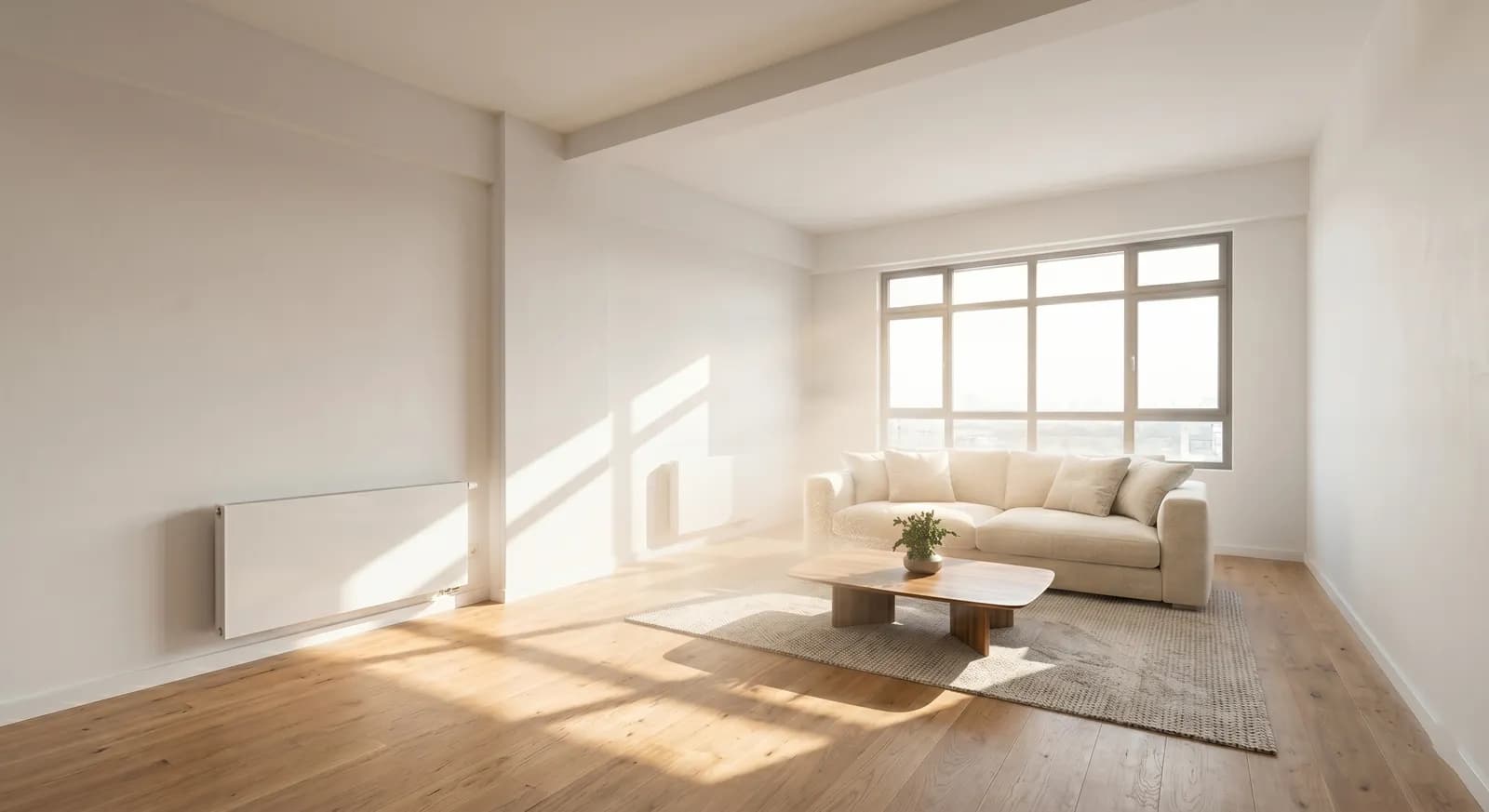
Virtual staging is the AI real estate photography tool with the highest commercial impact — it turns empty properties into presented listings without physical furniture, at a cost that makes it viable for every property rather than just high-value ones.
The workflow integration is straightforward. The photographer delivers empty room photographs as part of the standard shoot. The agent or photographer uploads the photographs to a virtual staging platform such as Stageless AI, selects an interior style — Modern, Minimalist, Scandinavian, Industrial, or Luxury — and receives photorealistic 4K staged images in under 30 seconds per photograph. The cost is €0.60 per photograph.
From a photographer's perspective, virtual staging expands the service offering without adding any shooting time. Some photographers offer it as part of their package — delivering both the original empty room photographs and the virtually staged versions — which increases the value of their service without significantly increasing their time investment.
The quality threshold that matters is whether the AI staging preserves the photograph's original lighting, perspective, and structural accuracy. Low-quality virtual staging tools distort these elements — generating furniture that appears to float above the floor, adding false shadows that conflict with the room's natural light direction. High-quality tools like Stageless AI generate staging that is geometrically consistent with the original photograph, making the staged versions usable directly in listings without further editing.
Automatic virtual renovation
A newer capability gaining traction in 2026 is AI-powered virtual renovation — the ability to change fixed elements of a room beyond furniture. This includes replacing flooring, changing wall colours without physically repainting, updating kitchen cabinets and worktops, and in more advanced versions, modifying the layout of a space.
Virtual renovation addresses a specific use case that staging does not: properties where the issue is not emptiness but dated or unappealing fixed finishes. A flat with good proportions but a brown 1990s kitchen is not well served by virtual staging — the staging furniture will sit in front of the dated kitchen rather than replacing it. Virtual renovation allows an agent to show buyers what the kitchen could look like with a modern replacement, without committing to the cost of a physical renovation.
How AI tools fit into the professional workflow
The most effective integration of AI tools into a real estate photography workflow treats them as a first pass rather than a final product.
For enhancement and colour correction, AI tools deliver a starting point that is 70 to 80% of the way to a finished image. The remaining work — fine-tuning highlights in difficult rooms, correcting colour casts that AI enhancement has missed — takes significantly less time than doing the full correction manually, but it is still needed.
For object removal, AI output requires a quality check on every image, with manual touch-up for cases where the AI reconstruction is imperfect. The rate of AI declutter success on standard exteriors is high enough that this review adds only a few minutes to the workflow rather than the fifteen to twenty minutes that full manual removal previously required.
For virtual staging, the AI output for standard rooms in good-quality photographs typically requires no post-processing. For rooms with challenging lighting conditions, a review pass is worthwhile. The test is whether the staged image would be immediately identifiable as AI-generated by someone looking critically at a listing: well-generated staging should not be.
Pricing virtual staging as an add-on service
A photographer charging €250 for a standard property shoot can offer virtual staging of all empty rooms at cost — typically under €15 for a five-room property at €0.60 per image — and present it as an added-value service. Alternatively, they can charge a markup and offer it as a premium service: €30 to €50 for virtual staging of an empty property is a price point that most agents find straightforward to accept given the alternative cost of physical staging.
The positioning that works best is framing virtual staging as a listing performance service rather than a photography service — it is not just about making the photographs look better, it is about increasing the listing's click-through rate on portals, generating more viewing requests, and reducing the property's time on market. Agents respond to this framing because it connects the service to outcomes they directly care about.
Try AI real estate photo editing with Stageless AI — 20 free credits, no credit card required. stageless.ai/en/auth/register
Written by Stageless Team
We are a team of real estate technology experts passionate about AI. Our mission is to help agents sell faster by democratizing access to high-end virtual staging tools.