Exterior Virtual Staging: The Cover Photo Is the Only One That Decides the Click

Stageless Team
Editor in Chief
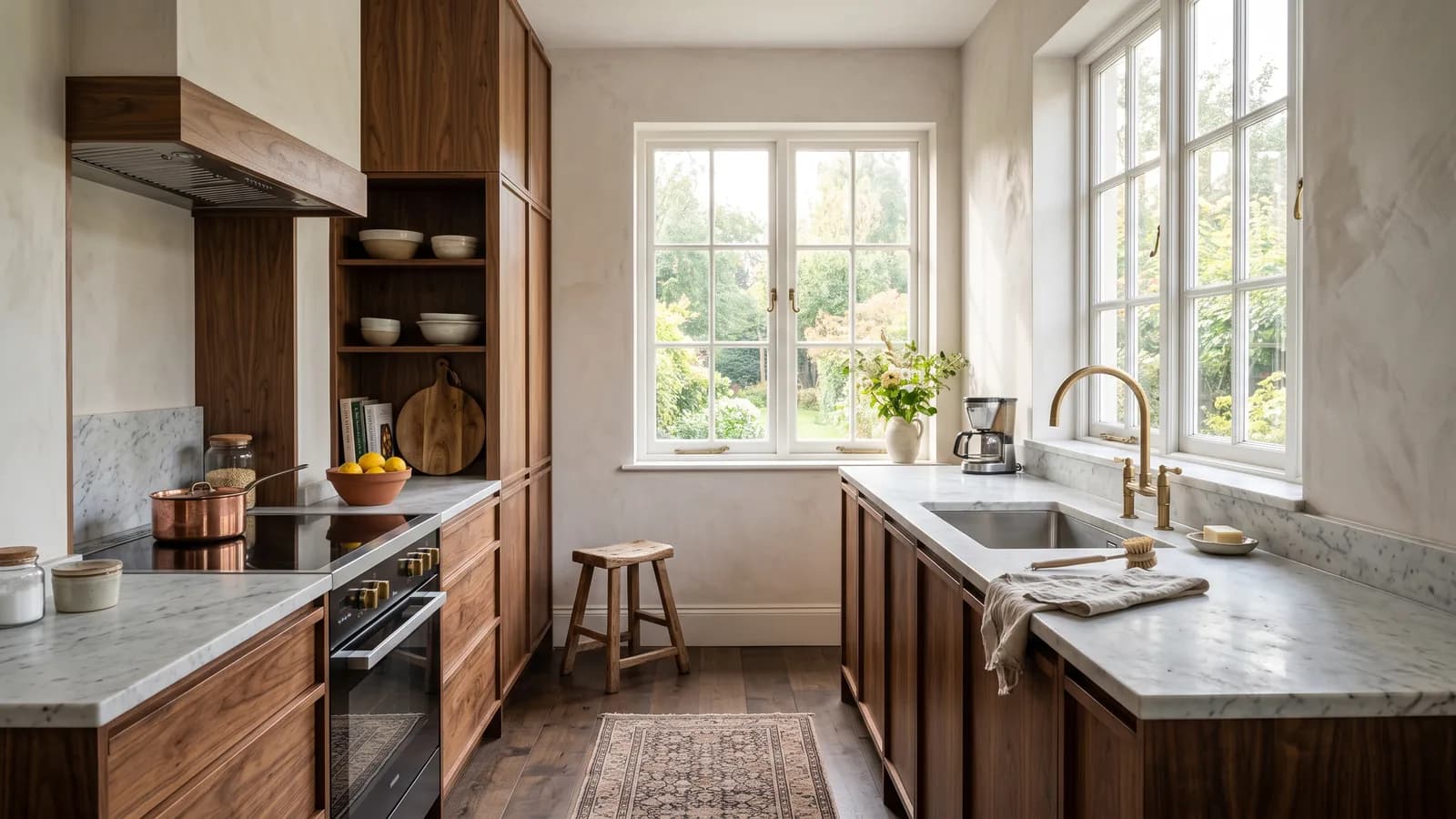
Real estate agents spend considerable time and money staging interiors. The living room is warm and inviting. The bedroom communicates lifestyle. The kitchen has been cleaned up and lit well.
Then the listing goes live with a cover photo of a grey façade taken on an overcast morning, a bin visible at the bottom corner of the frame, and the neighbour's car parked directly in front of the entrance.
The interior never gets seen. Not because the buyers didn't like it — they never opened the listing.
The Cover Photo Is a Different Problem From the Interior Photos
The exterior decides whether anyone opens the listing
On every major property portal — Idealista, Imovirtual, Rightmove, Zillow, Immoscout24 — listings are presented to buyers in a search results grid. Each listing appears as a thumbnail. In the vast majority of cases, that thumbnail is an exterior photo.
Buyers scroll through this grid at speed. Studies of portal browsing behaviour consistently show that buyers make the decision to open or skip a listing in under three seconds, based on the thumbnail image alone. They do not read the description. They do not check the price. They do not look at any interior photos. They see one image, make a decision, and move on.
This means the exterior photo in a listing has a fundamentally different function from the interior photos. Interior photos build emotional connection and generate enquiries. The exterior photo determines whether any of that happens at all. It is not part of the listing — it is the gate to the listing.
Most exterior photos have correctable problems
The issues that make exterior photos ineffective are not usually structural. They are circumstantial — the result of the conditions on the day the photo was taken, or of objects that happened to be in frame.
Overcast skies that flatten the façade and make the building look grey and uninviting. Vehicles parked in front of the entrance, blocking the façade and making the property look smaller. Overgrown hedges or dead lawns that signal neglect. Faded or chipped paint. Outdated tiles or railings that anchor the property in the wrong decade. Rubbish bins that appeared in the corner of the frame.
None of these problems reflect the actual quality of the property. All of them communicate negligence before the buyer has read a single word.
Interior staging without exterior staging is incomplete
A listing where the interior is beautifully staged and the cover photo exterior is tired creates a specific kind of cognitive dissonance. The buyer's first impression — set by the thumbnail — does not match what they find when they open the listing. The interior photos are better than expected, which creates a positive reaction, but the discrepancy itself creates a subliminal uncertainty: if the outside looks that tired, what else about this property is not what it should be?
A consistent presentation — exterior and interior both at the same quality level — eliminates this uncertainty and presents the property as a coherent whole.
What Exterior Virtual Staging Does
Façade renovation
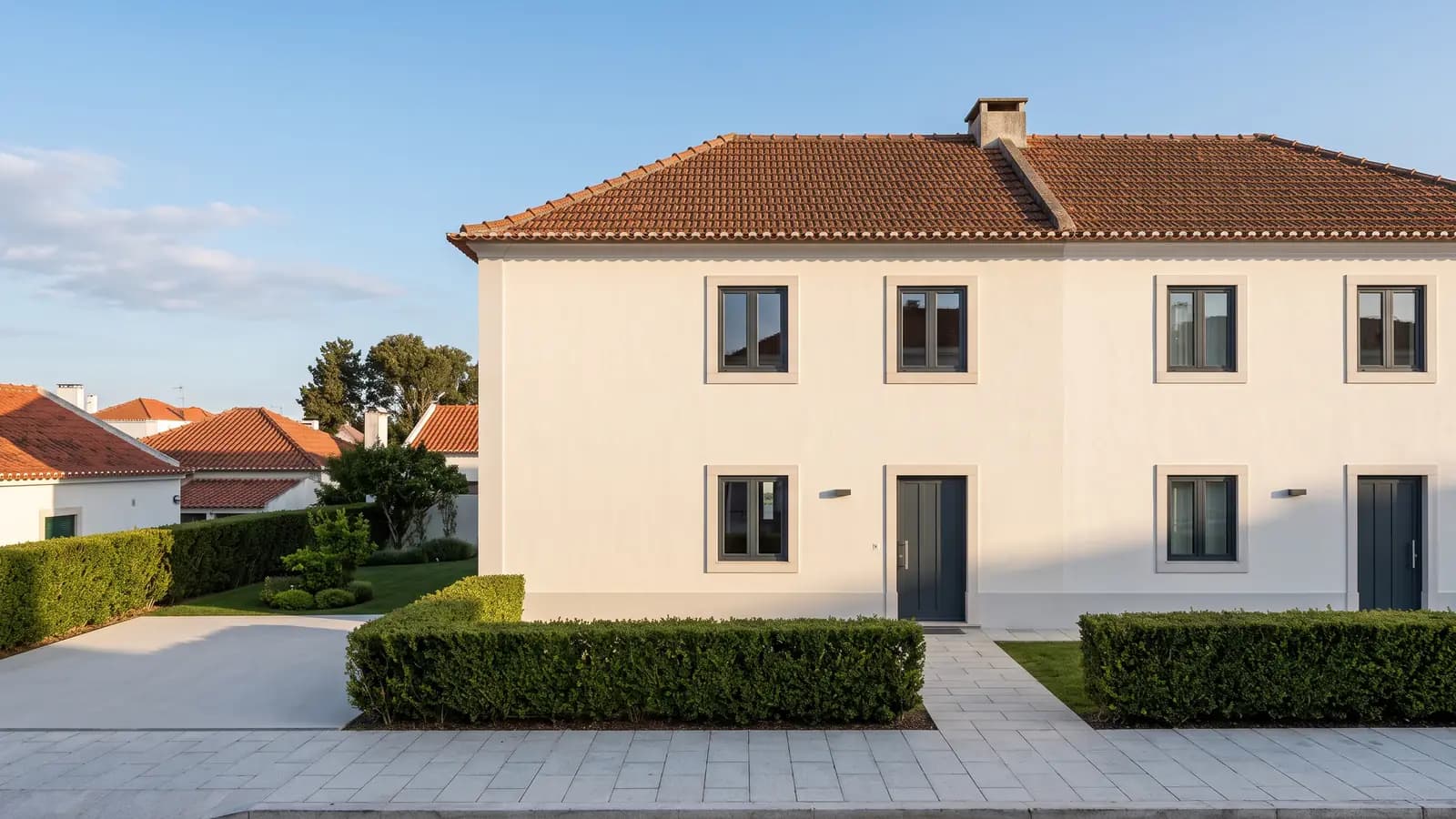
The AI applies a digital renovation to the building's external surface. Faded render is refreshed. Aged brickwork is cleaned. Dated tiles are replaced with contemporary materials. Old paint is replaced with a new colour scheme. The architectural structure of the building — window positions, proportions, roofline, entry points — is preserved exactly. Only the surface materials and colours are changed.
The key principle: a believable renovation. The goal is not to show a different building — it is to show the same building at its best. A colour scheme that could plausibly be applied to this specific building architecture. Materials that make sense given the building's style and age. A result that the buyer will recognise when they drive past.
Garden and landscaping
Overgrown hedges are trimmed and tidied. Dead or patchy lawns are replaced with consistent green grass. Bare or unkempt flowerbeds are filled with appropriate plantings. Cracked or uneven paving is digitally resurfaced. The result shows the outdoor space as it would look with standard maintenance — not as an idealised fantasy garden that bears no resemblance to the actual property.
Object removal
Vehicles in the driveway or on the street directly in front of the entrance are removed. Rubbish bins or recycling containers that appeared in frame are removed. Scaffolding from adjacent properties under renovation is removed. Temporary signs, construction materials, or other transient objects are removed. In each case, the underlying surface — driveway, pavement, garden, road — is reconstructed behind the removed object.
Sky replacement and lighting enhancement
An overcast sky is replaced with a clear sky. The light conditions in the image are adjusted to reflect the new sky — brighter, more directional light from the sun rather than flat diffuse light from cloud cover. The shadows on the building change accordingly to maintain a realistic relationship between the sky and the scene.
Day-to-dusk conversion is also available: the photo is transformed to show the property at evening light, with warm interior light visible through windows and exterior lighting casting a welcoming ambient glow. This treatment works particularly well for properties with strong exterior lighting or where the evening character of the building is an important part of its appeal.
What exterior staging cannot do
The same constraint that applies to interior staging applies here: the tool shows potential, not fiction.
It cannot add architectural elements that do not exist — a garage that is not there, a terrace that has not been built, a pool that is part of a different property. It cannot change the size or shape of the building. It cannot alter boundary positions or add land that is not part of the property.
Used for its intended purpose — removing visual noise and showing the property at its best — exterior staging is straightforward, ethical, and effective. Used to misrepresent what buyers will find on a visit, it creates legal exposure and destroys trust.
The Workflow — Upload to Portal-Ready in Under a Minute
Step 1 — Upload the exterior photo
The best base for exterior staging is a photo taken in reasonable natural light, from a straight-on angle that shows the full façade without significant lens distortion. Good conditions are not essential — the AI handles most common exterior photo conditions — but they improve the output quality.
Upload directly from the Stageless AI browser interface. No software installation required, compatible with desktop and mobile.
Step 2 — Apply object removal if needed
If there are vehicles, bins, or other objects in frame that should be removed, apply the object removal tool before the staging step. The AI reconstructs the underlying surface and delivers a clean base image for the renovation step.
Step 3 — Select an exterior style
Choose the renovation style that suits the property's architecture and location: Modern White, Contemporary Dark, Mediterranean, Natural Stone, or other available options. The style determines the colour palette and material choices for the façade renovation.
Step 4 — Download in 4K
The finished exterior image is delivered in 4K resolution, ready for portal upload. Total time from upload to download: under 60 seconds for most exterior photos.
The Impact on Listing Performance
Click-through rate is the primary metric for exterior staging
Interior staging improves the quality of buyer engagement after the click. Exterior staging improves whether the click happens at all. The relevant performance metric for an exterior staging intervention is click-through rate — the proportion of buyers who saw the listing in a search result and opened it.
Properties where exterior staging was applied to the cover photo and the listing was republished typically show significant increases in click-through rate without any other changes to the listing. The price, description, interior photos, and portal position are the same. The cover image changes. The clicks change.
The compounding effect on portal algorithms
Major portals — Idealista in particular — factor listing engagement into their ranking algorithms. A listing that receives more clicks rises in search results. A listing that stagnates falls. Improving the exterior cover photo improves click-through rate, which improves the listing's position in search results, which increases impressions, which generates more clicks. This compounding effect means that an exterior staging intervention early in a listing's life can have an outsized impact compared to the same intervention later.
The relationship between exterior quality and visit intent
There is a specific pattern that exterior staging addresses effectively. Properties that are generating consistent impressions — buyers are seeing the listing in search results — but very few click-throughs have an exterior photo problem. The listing is visible. The cover image is not compelling. Updating the exterior photo restarts the click-through cycle.
This pattern is distinct from listings with low impressions, which is a portal visibility or metadata problem, not a photo problem.
Disclosure for Exterior Staging
The same disclosure requirements that apply to interior staging apply to exterior staging. The listing description should note that images include virtual staging or digital enhancement for illustrative purposes.
The specific wording can be combined with interior staging disclosure:
"Images include virtual staging and digital exterior enhancement for illustrative purposes."
In markets with more specific requirements for listing photo disclosures, the standard applies to the entire image set including exterior photos.
Combining Exterior and Interior Staging — The Complete Listing Workflow
The full value of staging is realised when exterior and interior are treated as a single workflow rather than independent decisions.
The exterior photo generates the click. The interior photos build the emotional connection that generates the enquiry. Staging one without the other leaves part of the conversion funnel unoptimised.
With Stageless AI, both are available in the same platform and can be processed in the same session. Upload all listing photos — interior and exterior — apply the relevant tools to each, and download a complete set of listing-ready images in a single workflow.
For a standard apartment listing: one exterior cover photo (object removal + façade renovation) and five interior photos (virtual staging in the chosen style). Total cost at pay-as-you-go pricing: under €5. Total time: under 10 minutes.
Common Mistakes to Avoid
Over-renovating the façade
A dramatically renovated exterior that looks nothing like the actual building creates a problem the moment the buyer drives past for a preliminary look before booking a visit. The buyer sees a building that does not match the listing photos and immediately questions what else about the listing is inaccurate.
The goal is a renovation that is clearly achievable — paint and render that could plausibly be applied to this building, landscaping that reflects what standard maintenance would produce, not a landscape architect's redesign.
Fixing the building but ignoring the foreground
The area immediately in front of the building — driveway, front garden, path to the entrance, gate — is often more visually prominent in the exterior photo than the building itself. An overgrown hedge at the base of the frame undermines a renovated façade behind it. The foreground and the building should be addressed together.
Using the wrong sky
Sky replacement works best when the replacement sky is consistent with the climate and character of the location. A brilliant tropical blue sky applied to a property in northern Europe, where vegetation, road surfaces, and building materials all reflect a different climate, creates an obvious mismatch that reads as digitally altered immediately. The replacement sky should be what a good day in that location actually looks like.
Not updating the cover photo when changing interior photos
If you update the interior photos of a listing — after applying virtual staging, for example — and the cover photo remains the original tired exterior, you have created a presentation mismatch. Buyers who click on the updated interior photos after seeing the original exterior cover will experience the reverse of the problem: the interior is better than expected, but the entry point set a low expectation that some buyers will not have cleared. Update exterior and interior together.
Getting Started with Exterior Staging on Stageless AI
Exterior staging is available on Stageless AI in the same workflow as interior staging. Upload the exterior photo, apply object removal if needed, select an exterior style, and download the finished image in 4K.
Three free credits are available on signup. No credit card, no subscription required. Start at stageless.ai.
Try exterior staging free at stageless.ai — 20 free credits, no subscription required.
Written by Stageless Team
We are a team of real estate technology experts passionate about AI. Our mission is to help agents sell faster by democratizing access to high-end virtual staging tools.