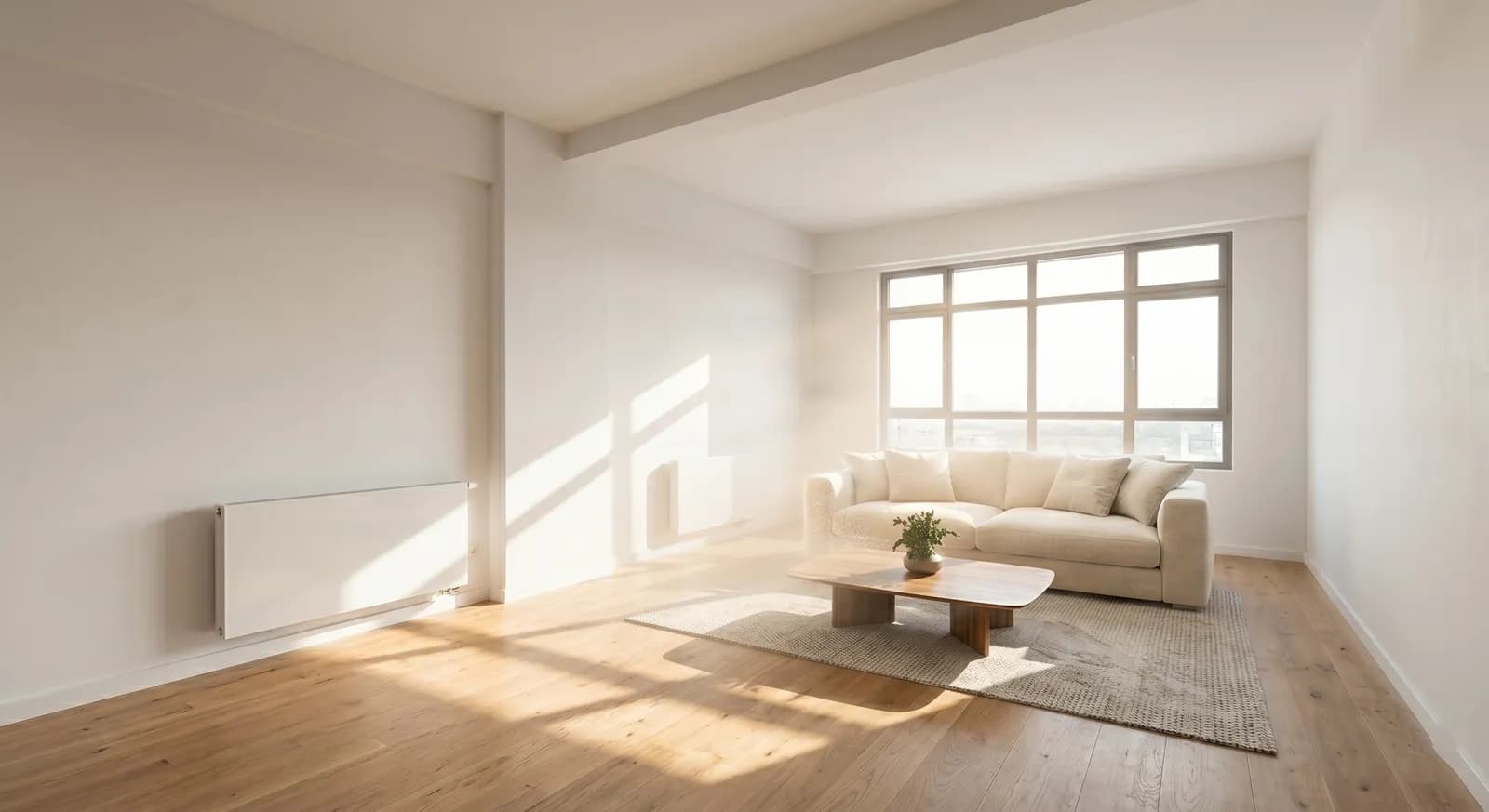
Digital Staging for Real Estate: Virtual Staging, 3D Rendering and AI Compared

Stageless Team
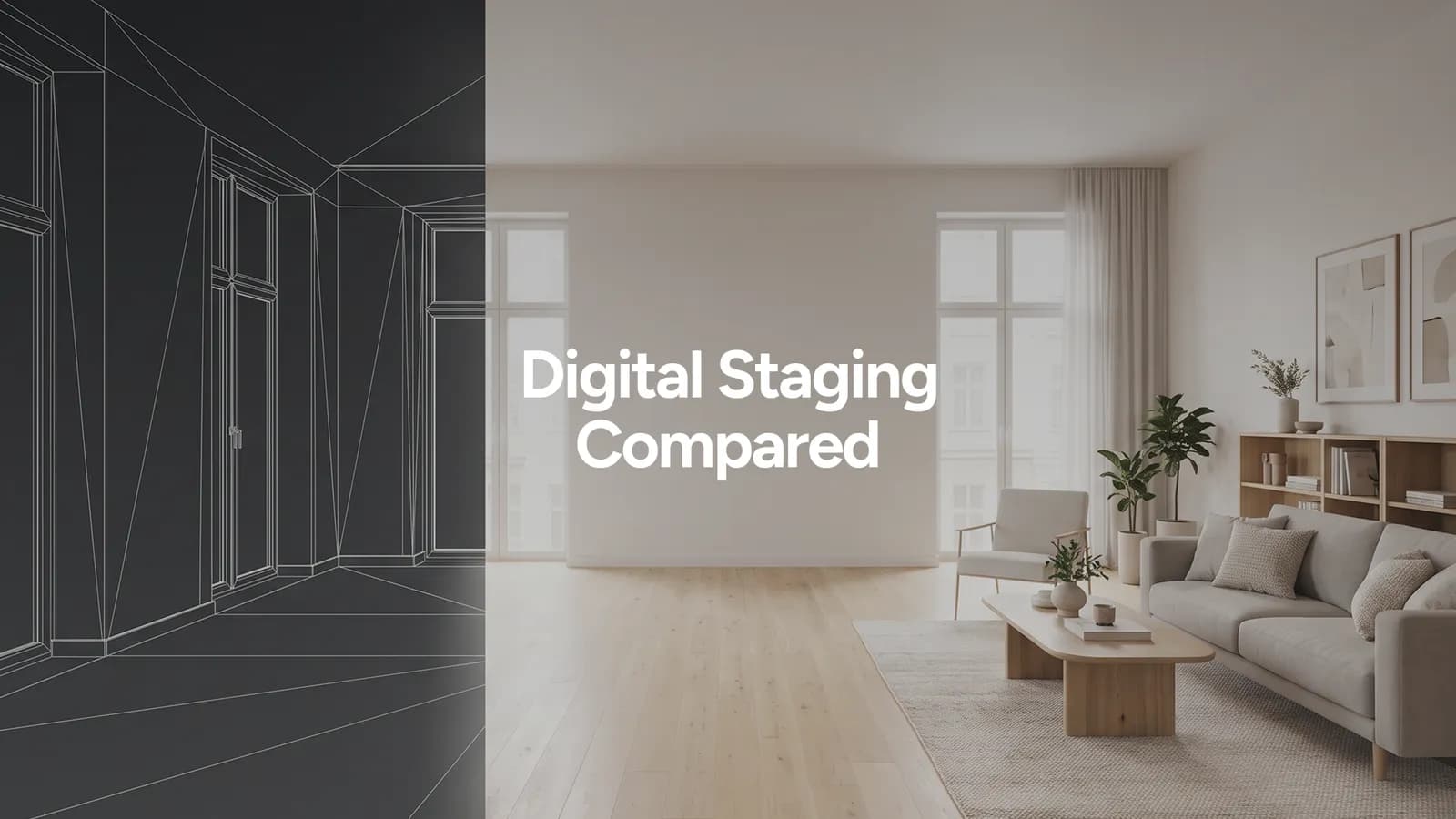
Digital staging is any method that furnishes or redecorates a property in an image instead of in the room itself. The term covers three very different services: virtual staging of real photos, 3D rendering built from plans, and AI staging. They are sold under overlapping names, priced from under €1 to more than €2,000 per image, and suited to different listings.
This guide separates them, so you know what you are buying and which one fits the property in front of you.
What Digital Staging Means
In practice, agents and sellers use "digital staging", "virtual staging" and "virtual home staging" as synonyms. All three describe the same promise: buyers see a furnished, styled space without anyone moving furniture.
The difference that matters is not the name. It is what the image starts from.
- A real photograph of the room. This is virtual staging, done by a human editor or by AI.
- A plan or a 3D model of a space that may not exist yet. This is 3D rendering, also called CGI.
Everything else, from price to accuracy to turnaround, follows from that starting point.
The Three Types of Digital Staging
Virtual staging by a studio
A designer receives your photos and places 3D furniture models into each room by hand, adjusting perspective, shadows and light. The result can be very good. It is also slow and priced per image: €30 to €100 per photo in France, according to Qoridor (September 2026). In Spain, prices start at about €100 per image, according to Habitissimo (September 2026). Delivery usually takes one to three working days, plus revision rounds.
3D rendering
A 3D artist builds the space from architectural plans, then furnishes and lights it. It is the standard for off-plan developments and new builds, where there is nothing to photograph yet. It is also the most expensive option: high-end studios such as Omegarender quote $1,400 to $2,600 per interior image, with three rounds of revisions included (2026).
AI staging
You upload a photo of the room and choose a style. The software reads the room's geometry, windows and light, then furnishes it. With Stageless AI, each image is ready in under 30 seconds, in 4K, for €0.60 per photo. If you want a different look, a new version costs one more credit, with no revision round to wait for.
How AI Staging Reads a Room
AI staging is not a filter that pastes furniture on top of a photo. Before it adds anything, the model has to understand the room it is looking at.
It estimates depth, so it knows where the floor meets the walls and how far the back wall is from the camera. It finds the vanishing lines, so a sofa follows the same perspective as the skirting boards. It identifies windows and doors, so it does not block a doorway or place a wardrobe in front of a window. It reads the light, so the shadows of new furniture fall away from the window rather than towards it.
When any of these steps fails, the result looks wrong even if the furniture itself looks good. A bed that floats a few centimetres above the floor, a rug that does not follow the angle of the room, a lamp with no shadow: these are the signs of a model that skipped the reading and went straight to decorating. Our explainer on how AI virtual staging works goes through each step in plain language.
This is also why the photo you upload matters. A level shot taken from a corner, with the floor and at least two walls visible, gives the model the information it needs. A tilted close-up of one wall does not.
Side-by-Side Comparison
| Virtual staging (studio) | 3D rendering | AI staging | |
|---|---|---|---|
| Starts from | Real photo | Plans or 3D model | Real photo |
| Typical price | €30 to €100+ per photo | $1,400 to $2,600 per interior image (high-end) | From €0.60 per photo |
| Turnaround | 1 to 3 working days | Several days to weeks | Under 30 seconds |
| Revisions | Paid rounds or limited | Usually 3 rounds included | A new version costs one more credit |
| Best for | One-off premium listings | Off-plan and new developments | Every listing in the portfolio |
Prices are from the sources named above and in the source list at the end. Studio and rendering prices vary widely by provider and project.
Which One Your Listing Needs
Empty apartment or house for sale or rent
AI staging. You have a real photo, the room exists, and the job is to help the buyer read the space. Speed matters because the listing should go live this week, not next.
Off-plan development
3D rendering. There is no room to photograph. For show flats that already exist, combine both: renders for the marketing campaign, AI staging of the real photos once the units are finished.
Premium property with one hero image
A studio, or AI staging with careful selection. When a single cover image will carry a listing worth several million, it is reasonable to spend more on it. For the other twenty photos in the gallery, the per-photo cost decides.
Rental listing
AI staging, with one extra rule. If the unit is let unfurnished, stage freely and say so in the description. If it is let furnished, photograph the real furniture and use AI only for light and clutter, because tenants expect to find what they see.
Property that needs renovation
Virtual renovation, a close relative of digital staging. It shows the realistic result of planned works: new floors, painted walls, a refitted kitchen. Keep it honest. Show the renovation the buyer could do with a reasonable budget, not a fantasy the property could never become, and publish the current photos alongside.
Occupied home with dated furniture
AI declutter first, then AI staging. Removing the existing furniture and restaging the room is a two-step edit, still under 30 seconds per step.
What Digital Staging Costs Per Listing
The price per image only tells part of the story. What matters to an agent is the cost of staging a full listing, and then the cost of doing it every month.
| Scenario | Staging studio | 3D rendering | AI staging |
|---|---|---|---|
| One flat, 8 photos | €240 to €800 | Not applicable (photos exist) | €4.80 |
| 20 listings a month, 8 photos each | €4,800 to €16,000 | Not applicable | €96 |
| Off-plan block, 5 interior images | €150 to €500 if a show flat exists | $7,000 to $13,000 | €3 if a show flat exists |
Studio figures use €30 to €100 per photo. Rendering figures use $1,400 to $2,600 per interior image. AI figures use €0.60 per photo. All three come from the sources in this article.
For an independent agent, the difference decides whether digital staging is an occasional extra or a standard part of every listing. For a developer, the decision is not one or the other. Renders sell the project before it exists. AI staging furnishes the real photos once the units are finished.
European Interiors Need European Staging
A studio flat in Lisbon, an Altbau apartment in Berlin and a Haussmann flat in Paris have little in common with a suburban house in Texas. Ceiling heights, window proportions and floors are different. Rooms are often smaller and laid out in another way.
Many digital staging tools were trained mainly on North American homes. The furniture they add can look too large for a European room or out of place next to original mouldings and tiled floors. Buyers notice it, even when they cannot say why.
When you test a provider, use a photo of a typical property from your own market. Check whether the furniture fits the scale of the room and the style of the building. Stageless AI is built in Portugal for European listings. Test it on the type of property you sell most often. Our article on virtual staging before and after shows what to compare in each pair of images.
A Simple Digital Staging Workflow
- Shoot or collect the photos. Use level shots from the corners, with lights on and windows exposed correctly.
- Declutter where needed. Remove existing furniture or personal items before staging, not after. Our guide shows how to remove furniture with AI in a few steps.
- Choose one style for the whole property and keep it for every room.
- Stage the rooms buyers decide on first: living room, kitchen, main bedroom.
- Check each image at full size. Look at the floor line, shadows, windows and doors.
- Label every staged image and keep the originals ready to publish alongside them.
- Publish the staged photos first in the gallery, with the originals next to them.
Common Digital Staging Mistakes
- Over-furnishing a small room. Too much furniture makes a room look smaller, which is the opposite of the goal.
- Staging a room as something it is not. A box room shown as a double bedroom sets up a disappointing viewing.
- Mixing styles in one listing. A Scandinavian living room next to an industrial bedroom looks like two different homes.
- Ignoring the market. A minimalist look may suit a city-centre flat and feel cold in a family house in the suburbs.
- Hiding defects. Staging should never cover damp, cracks or missing fixtures. It is a suggestion of how to live in a room, not a repair.
Digital Staging Beyond Living Rooms
Most examples show a living room. The same methods apply to other spaces, with a few differences.
Exteriors and gardens
The cover photo is often the façade or the garden. Digital staging can add outdoor furniture, plants and lighting to an empty terrace or a bare garden. Keep it modest. A terrace staged with a dining set for eight sets an expectation the space may not meet.
Offices and commercial units
An empty office floor is hard to read. Staging with desks, meeting tables and a reception area shows capacity at a glance. State the number of workstations the layout assumes.
Holiday and short-term lets
Guests book on photos alone. For units that are already furnished, use AI only to improve light and remove clutter. Stage only units that are not yet furnished, and replace the images with real photos once the furniture arrives.
From Staged Photos to a Video Tour
Staged photos are also the starting point for an AI video tour. When the photos of a property are staged in one consistent style, the tour generated from them shows the same furniture as the camera moves from room to room.
The order matters. Stage first, then generate the video. Generating a tour from empty photos and staging afterwards produces a walkthrough that does not match the gallery. With Stageless AI, staging and the AI video tour run in the same platform, so the agent can launch the photos and the video of a listing on the same day. The Base plan includes one video tour a month and the Pro plan includes three.
What to Check Before You Choose a Provider
- Does it keep the room as it is? Windows, doors, floors and ceiling height must stay where they are. Furniture is added. Architecture is not changed.
- Does it hold a style across the whole set? A listing is a gallery. The living room and the bedroom should look like they belong to the same home.
- What resolution does it export? Portals compress images. Start from 4K so the result stays sharp on a large screen.
- Where are the photos processed? For European agencies, GDPR applies to property photos that show personal items, documents or people.
- How is the image labelled? Under Article 50 of the EU AI Act, AI-generated or manipulated images must be disclosed. Plan the label from the start. Our summary of the AI Act disclosure rules explains who has to label what.
Is Digital Staging Allowed on Portals?
Yes, with disclosure. Portals in Europe accept staged images, and many recommend publishing the original photo next to the staged one. Mark every staged image clearly, for example "virtually staged", and never use staging to hide defects such as damp, cracks or missing fixtures. The furniture is a suggestion. The room has to be real.
Sources
Written by Stageless Team
We are a team of real estate technology experts passionate about AI. Our mission is to help agents sell faster by democratizing access to high-end virtual staging tools.