AI Staging for Property Portals: Keep Real Photos and Let Buyers Furnish the Room

Stageless Team

Property portals are filling up with photos decorated by AI. Agencies like them because empty rooms get fewer clicks. Buyers like them until the viewing, when the sofa from the photo turns out to be bare floor.
The portal sits in the middle. It did not stage the photo, but the buyer saw it there. When the visit disappoints, the doubt attaches to the listing and to the platform that showed it.
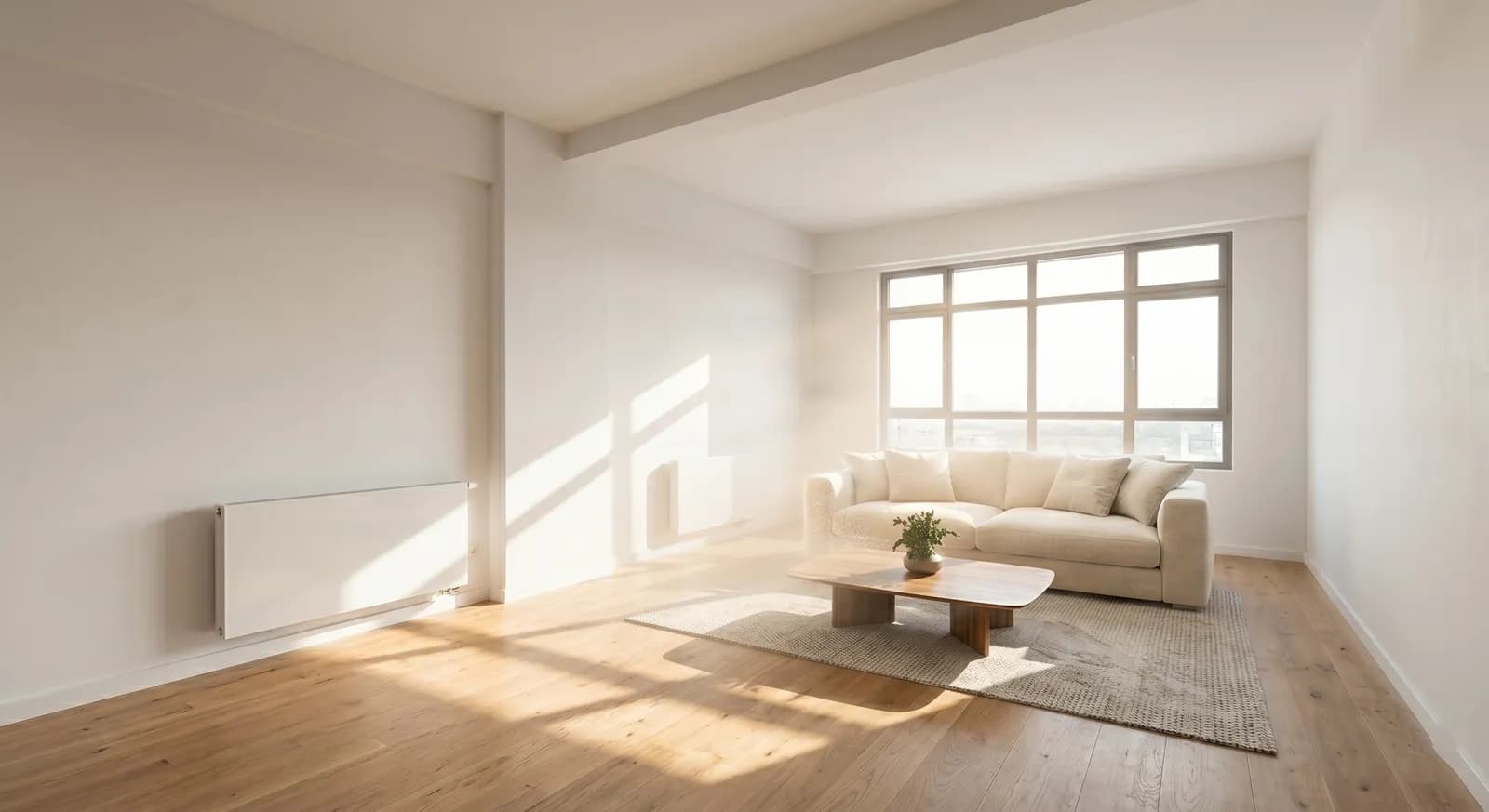
There is a different way to give buyers the furnished view. The listing keeps its real photos. Each room photo gets a Stage with AI button. The buyer picks a style and sees the room furnished in seconds, clearly marked as a simulation. This guide explains how the feature works, what the first large portal to launch it has learned and what a portal needs to decide before offering it.
The Short Answer
Interactive AI staging moves the furnished image from the listing to the buyer’s screen. The gallery shows only real photos. The buyer chooses when to see a furnished version and in which style. For the portal this means cleaner inventory, more time spent on each listing and a new feature to offer agencies. The generated images must be labelled in the viewer to meet the EU AI Act, which applies from 2 August 2026.
The Problem Portals Inherit
Portals do not create most of the images they display. Agencies upload them directly or through feeds. That has always been true for wide-angle lenses and heavy colour correction. Generative AI made the issue larger and faster.
A 2026 analysis by Coraly of about 40,000 listing photos on Zillow, Redfin, Realtor.com and Homes.com found that nearly 11% showed signs of AI alteration (Fortune, 22 July 2026). More than 90% of those altered images had no visible disclosure (Straight Arrow News, checked October 2026).
Regulators are starting to look at platforms as well as agents. When New York City proposed disclosure rules for AI-altered rental photos in July 2026, the proposal named landlords, brokers and online listing platforms (Fortune, 22 July 2026). Fortune reported that Zillow and StreetEasy were among the platforms named. Zillow said it supports clear disclosure when AI materially alters a listing image.
A portal cannot check every staged photo by hand. It can, however, change what buyers need staged photos for. If the buyer can furnish any room on demand, the agency has less reason to replace real photos with decorated ones. Our guide for agencies explains how to keep real photos in the gallery and still show a furnished home.
What a Stage With AI Button Does
The feature sits inside the photo viewer of the listing page.
- The buyer opens a listing. The gallery shows the photos the agency uploaded.
- Room photos that can be staged show a small button, such as Stage with AI.
- The buyer taps it and chooses a style from a short list.
- The AI recognises the room type, keeps walls, windows, floors and fixtures and adds furniture that fits the space.
- The result appears in under 30 seconds, with a visible label and a slider back to the original.
- The buyer can try another style, remove existing furniture or return to the real photo.
Nothing is stored in the listing. The agency’s photos stay exactly as uploaded. The generated image exists only for the buyer who asked for it.
This also keeps the data simple. The portal does not need to store a second version of each photo or track which images were altered. The original stays the single source. The generated view is created on request and labelled at the moment it is shown. It is discarded when the buyer leaves, unless they choose to save or share it.
What Zillow Learned
Zillow is the clearest public example. It acquired Virtual Staging AI in October 2024. In September 2025 it launched Virtual Staging inside Showcase, its premium listing product (Zillow, 10 September 2025).
On Showcase listings, a Virtual Staging icon appears on selected room photos. Buyers choose from curated styles: modern, Scandinavian, industrial, midcentury, luxury, coastal and farmhouse. They can refresh a style for a new arrangement, swipe between staged and unstaged views or clear the room completely.
Three decisions stand out.
Real photos come first. The listing opens on the agent’s original images. Staging is an optional tool that the shopper chooses to use (The Boston Globe, 27 August 2026). Zillow said it supports showing the original next to any altered version where possible.
The feature keeps buyers on the listing. A Boston broker who uses it told the Globe that buyers spend more time in each room, which holds their attention on that property instead of the next one in the feed.
Quality took work. Zillow’s vice president of AI product said that early image models invented defects, such as an extra window or wall. A staging feature that changes the architecture of a room creates the very problem it was meant to solve.
Zillow also reports that Showcase listings get more page views, saves and shares than similar listings and sell for about $7,000 more on average. Those figures describe the whole Showcase package, with professional media and premium placement. They do not isolate the effect of staging and should not be read that way.
Europe has an earlier precedent. In 2020, idealista launched a virtual home staging product that agents could add to their listings using the portal’s own technology (Online Marketplaces, 4 May 2020). That product staged photos for the agent. The newer model gives the control to the buyer.
Why It Matters for a Portal
Cleaner inventory
If buyers can furnish any room themselves, agencies need fewer decorated photos in the gallery. The portal can encourage real photos without taking anything away from the buyer. Over time, the listing data becomes more reliable. Fewer buyers arrive at viewings that contradict what they saw.
More engagement on each listing
A buyer who stages a room is exploring the property instead of scrolling past it. Each style tried is a signal of interest. Saved or shared staged views tell the portal which listings hold attention. The agency gets more qualified contacts, because the buyer has already imagined living there.
A product to sell to agencies
Staging on demand can be a premium listing feature, part of a paid package or a free feature that differentiates the portal from competitors. Agencies can quote it in their pitch to sellers, without paying for staging themselves. In markets with several portals of similar size, a visible feature is a reason for agencies to choose one over another.
Compliance built into the product
When the portal generates the image, it controls the label. Every staged view can carry the same disclosure in the same place, in the language of the page. That is easier to guarantee than asking thousands of agencies to label their own uploads correctly.
Compliance: Labelling the Generated Image
Article 50 of the EU AI Act applies from 2 August 2026. It requires transparency when images are generated or manipulated with AI (European Commission, AI Act Service Desk). A staged room produced on demand is a generated image and should be treated as one.
In practice, a portal should plan for four things.
- A visible label on every generated view, for example “Generated with AI. Furniture not included.”
- Machine-readable marking of the generated image, such as IPTC metadata or a C2PA manifest, in case the image is downloaded or shared.
- The original one tap away, through a slider or a toggle.
- No changes to the property itself. Walls, windows, floors, fixtures, views and condition must stay as in the original photo.
The exact obligations depend on who provides the AI system and who deploys it. Portals should confirm the setup with their legal team before launch. Outside the EU, California’s AB 723 already requires access to the original for any altered listing photo. That principle is built into an on-demand viewer by design.
What the AI Has to Get Right
A staging feature on a portal is judged on every listing, not on a handful of chosen examples. Five quality points decide whether buyers trust it.
- Architecture stays untouched. No new windows, no moved doors, no changed floors. This is the first thing to test on a sample of real listings.
- Scale and perspective. A sofa that is too small makes a room look larger than it is. Furniture has to match the real dimensions and the angle of the camera.
- Room type. The AI must tell a bedroom from an office and a kitchen from a utility room. A double bed in a 6 m² box room misleads as much as a fake window.
- Light. Shadows and reflections should follow the light in the original photo. Mismatched light is the quickest way to make a staged room look fake.
- Local taste. Styles built for North American homes often look wrong in a Lisbon flat or a Munich apartment. Ceiling heights, floor materials and furniture sizes differ by market.
Before launch, run the feature on a few hundred real listings from the portal and review the results by hand. Measure the error rate per room type. Fix the categories that fail most before buyers see them.
Design Choices Before Launch
| Decision | Options | Recommendation |
|---|---|---|
| Where the button appears | All photos, room photos only, selected listings | Room photos only. Exteriors and floor plans stay as uploaded |
| Which listings | All listings, premium listings, empty properties first | Start with empty or unfurnished properties, where the need is clearest |
| Number of styles | Many or few | Five to seven styles that match local taste |
| Furniture removal | Yes or no | Yes, so buyers can see furnished homes as empty rooms |
| Label | On the image, in the viewer, both | Both, in the language of the page |
| Saving and sharing | Disabled or enabled | Enabled, with the label burned into the shared image |
| Agency control | Opt in, opt out | Opt out per listing, so agencies can exclude special cases |
How to Run a Pilot
A pilot answers two questions. Do buyers use it? Does it change their behaviour on the listing? It does not need to be large. To plan a pilot with us, contact Stageless AI.
Weeks 1 and 2: setup. Choose one city or region and one property type, such as empty flats for sale. Agree the label text with the legal team. Integrate the button on the listing page of the pilot group only.
Weeks 3 to 8: live test. Run the feature on part of the eligible listings and keep a comparable group without it. Collect usage and behaviour data for both groups.
Weeks 9 and 10: review. Compare the groups. Talk to five or six agencies in the pilot about contact quality. Decide whether to extend the feature, change the styles or move it into a paid package.
Metrics to Track
- Share of listing visitors who open at least one staged view.
- Number of styles tried per session.
- Time on listing page, compared with the control group.
- Saves, shares and contact requests per listing view.
- Viewings requested per contact, where the portal has that data.
- Agency feedback on contact quality.
- Errors reported by buyers or agencies, such as changed windows or wrong room types.
What This Does Not Solve
Staging on demand does not fix bad photography. It starts from the real photo, so a dark, crooked or distorted image gives a weak result. Portals that offer the feature have a reason to push agencies towards better photos.
It does not remove pre-staged images that agencies upload themselves. The portal still needs a policy for those, ideally a required label and the original next to each one.
It also does not replace the viewing. The goal is a buyer who arrives informed, not a buyer who decides from the sofa.
Sources
- Zillow, Virtual Staging on Showcase listings, 10 September 2025
- The Boston Globe, 27 August 2026
- Fortune, 22 July 2026
- The Next Web, 17 July 2026
- Straight Arrow News, AI listing photos and disclosure (checked October 2026)
- Online Marketplaces, idealista Virtual Home Staging, 4 May 2020
- European Commission AI Act Service Desk, Article 50
- San Diego MLS, AB 723 guide
- Stageless AI homepage, checked October 2026
Written by Stageless Team
We are a team of real estate technology experts passionate about AI. Our mission is to help agents sell faster by democratizing access to high-end virtual staging tools.